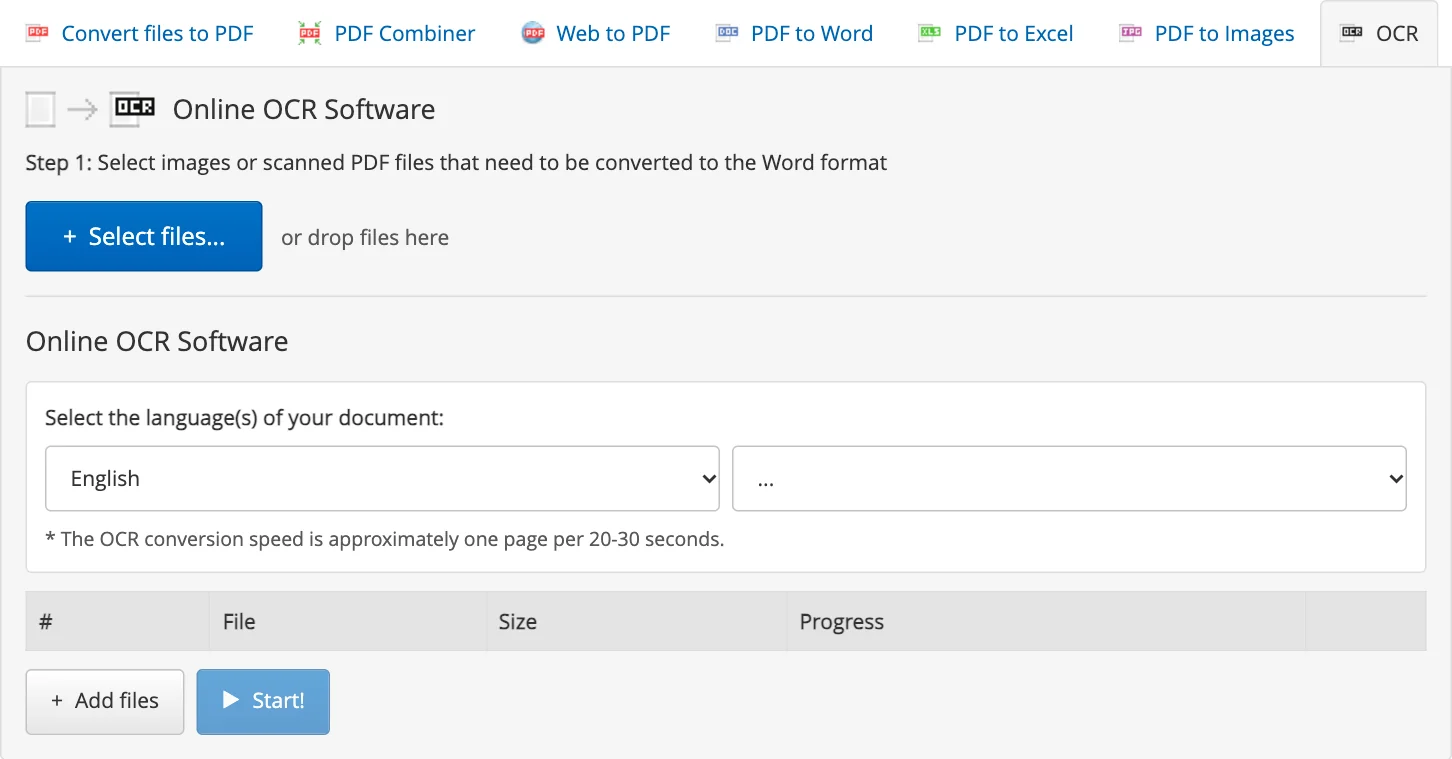
A scanned contract or a photo of a printed page is a picture: you can look at it, but you cannot select, copy or change its text. OCR reads the letters and gives you a Word document you can edit.
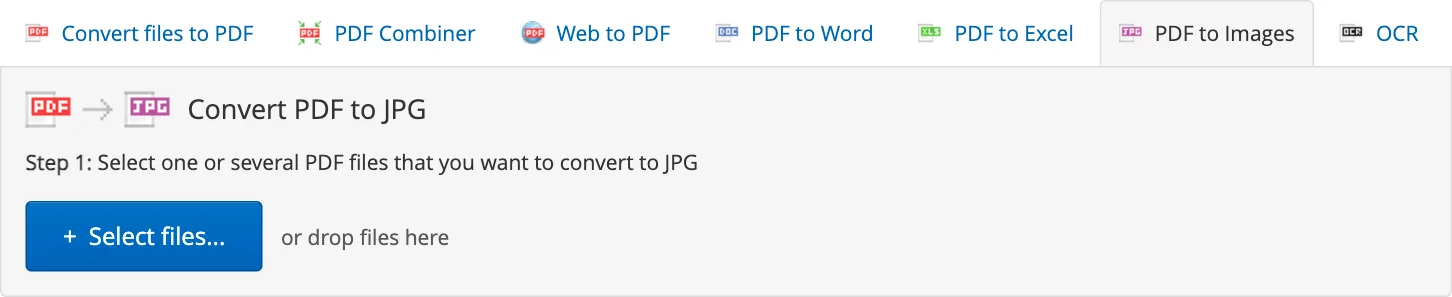
Photos of receipts for your accountant, pages of a document shot with a phone, a set of screenshots: one PDF is easier to send, open and print than a dozen separate JPG files.
A recruiter opens your CV on a phone with other fonts, and the layout falls apart. A PDF looks the same on every computer and phone, which is why most job ads ask for one.
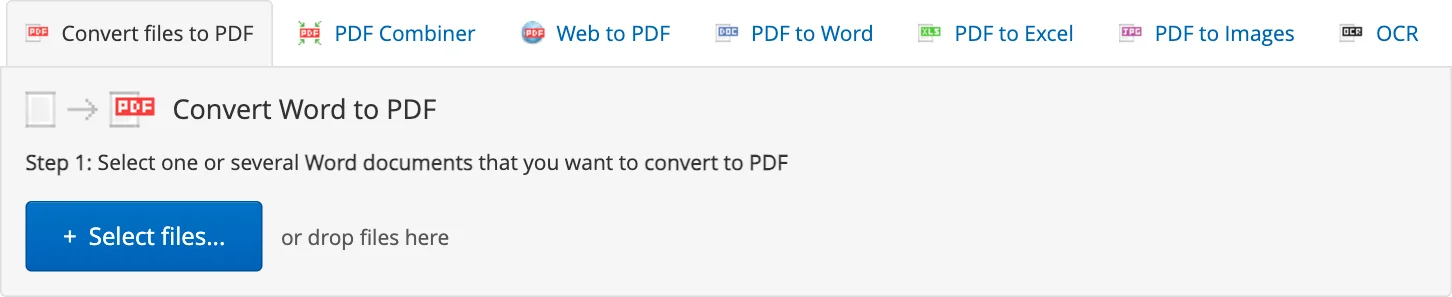
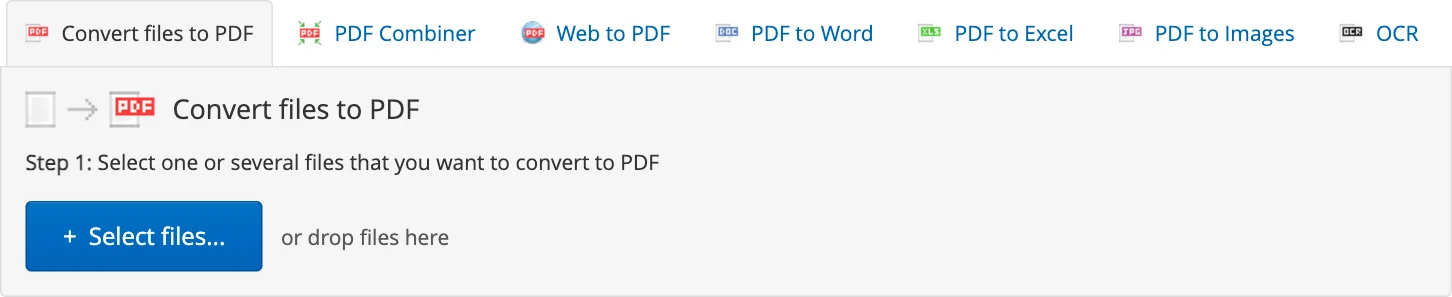
Word documents, spreadsheets, presentations and images become PDF files in your browser, with the layout of the original and without any software to install.
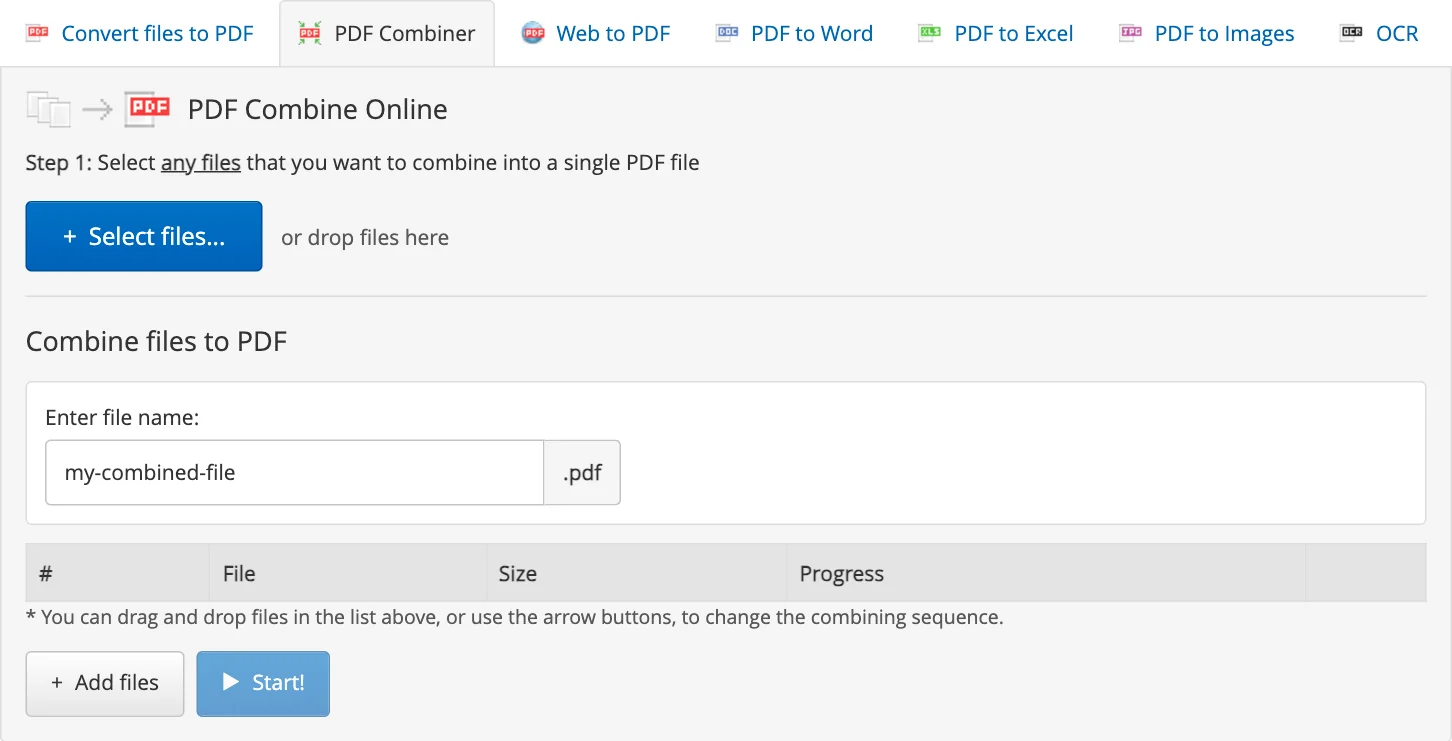
A scanner saved every page as a file of its own, or an application needs the letter, the forms and the attachments in one document: merge them into a single PDF in your browser.
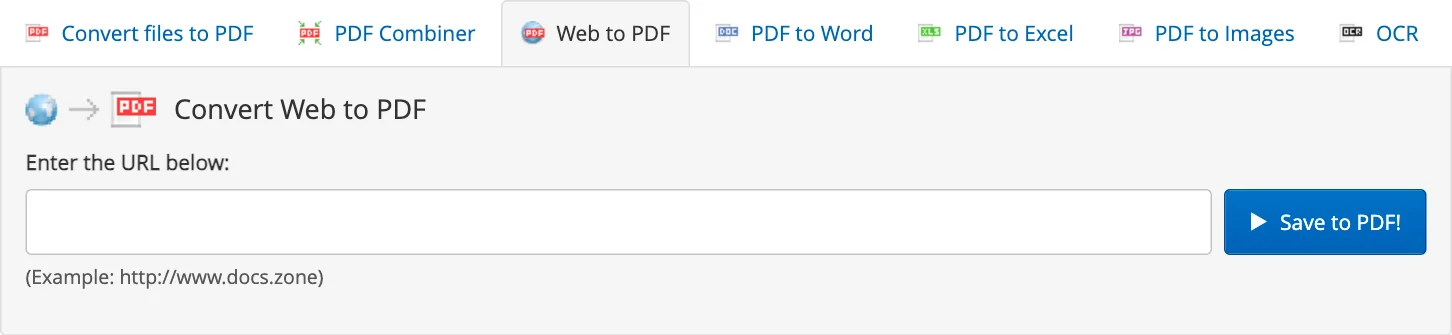
Keep a copy of an article, a receipt or a booking, read a page offline, or record how a page looked on a given day: paste the address and get a PDF of the page.
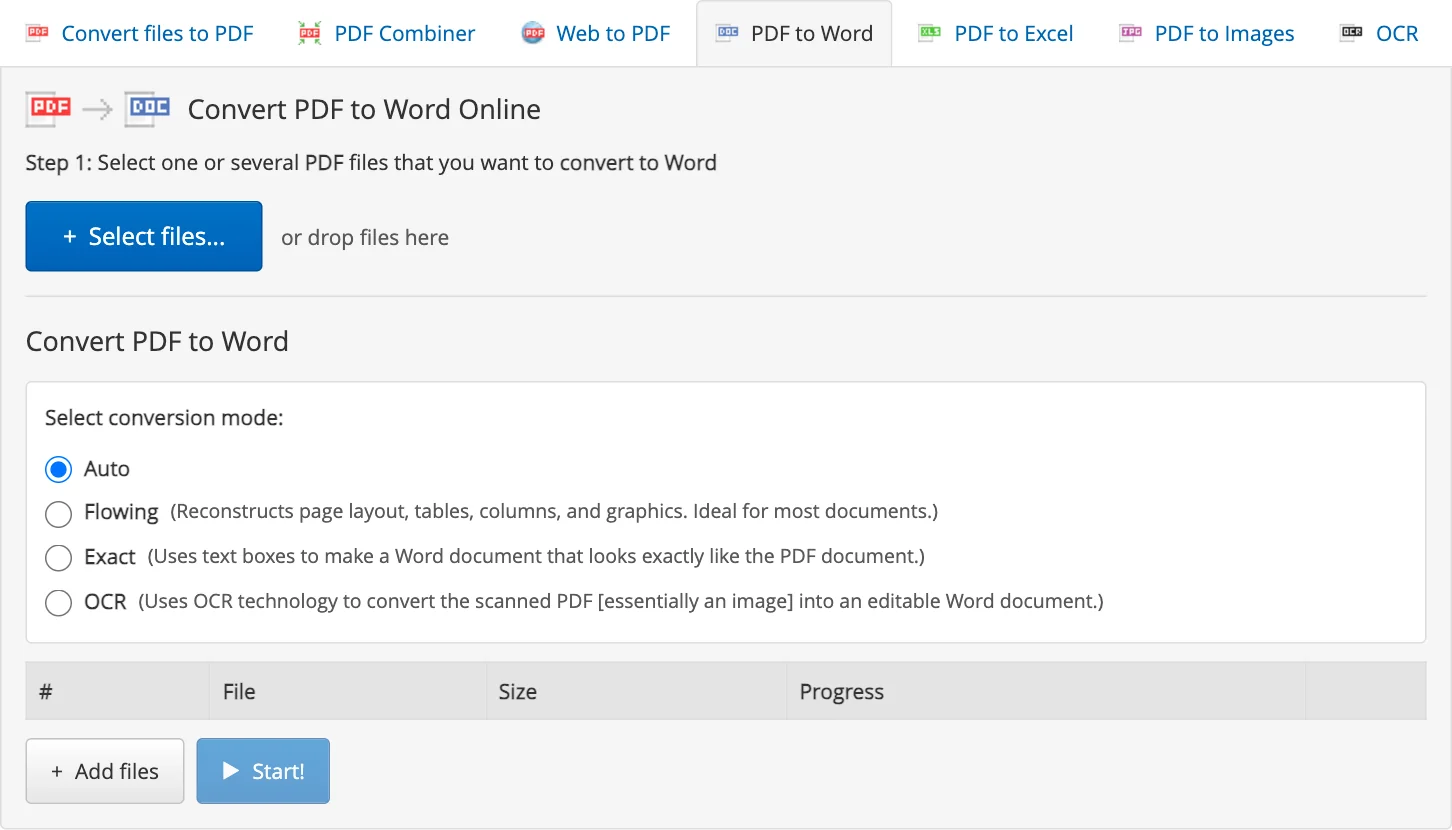
A typo in a contract, new figures in a report, and only the PDF at hand: turn it into an editable Word document in your browser instead of waiting for the original file.
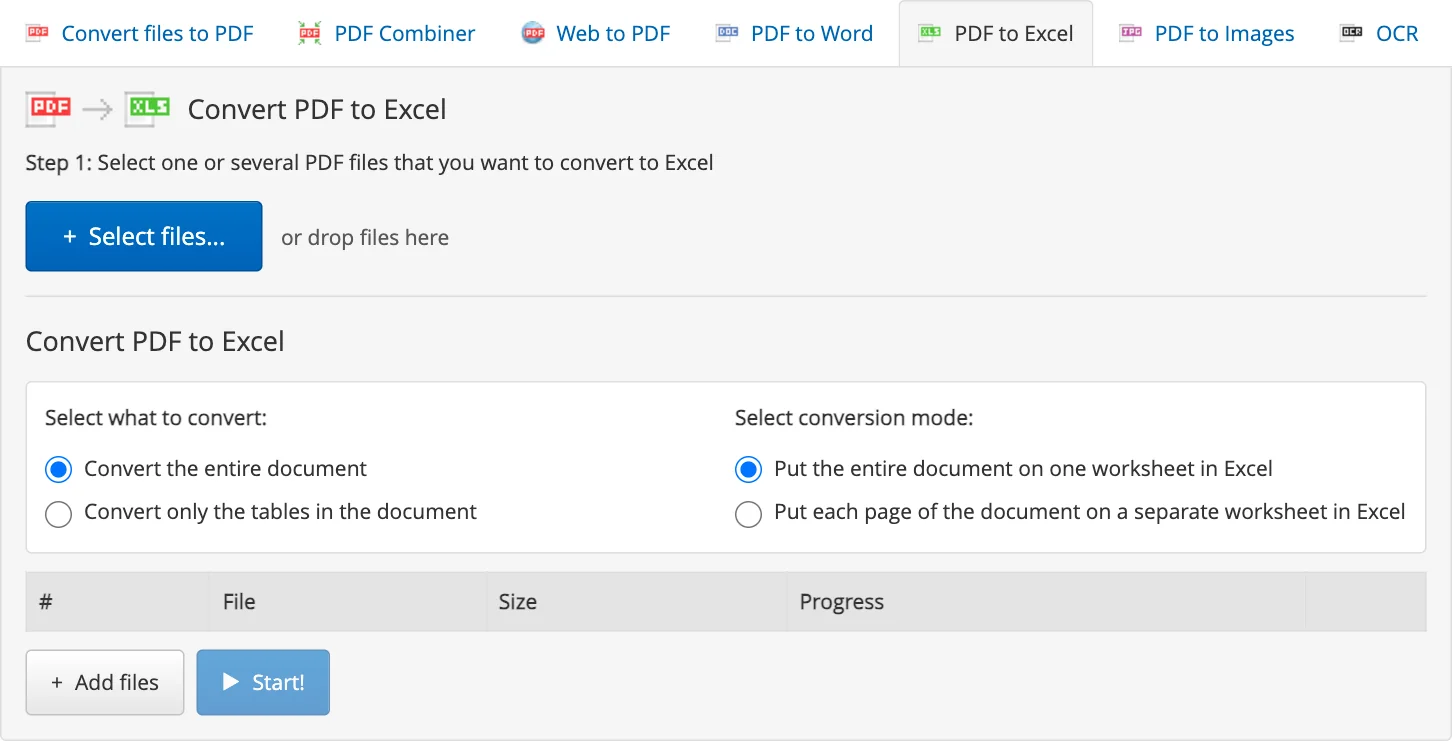
Bank statements, price lists and reports often arrive as PDF. Put their tables into an Excel workbook and sort, filter and calculate instead of copying numbers by hand.