How to convert a scanned PDF to editable Word text
A scanned contract, an old letter or a photo of a printed page is a picture: you can look at it, but you cannot select, copy or change its text. OCR (optical character recognition) reads the letters in the picture and gives you a Word document you can edit, right in your browser.
Is your PDF a scan?
Open the PDF and try to select a word with the mouse. If the text gets highlighted, the PDF was made by a program and already contains text: convert it with PDF to Word instead. If you can only select the whole page as one picture, it is a scan and needs OCR.
Converting the scan
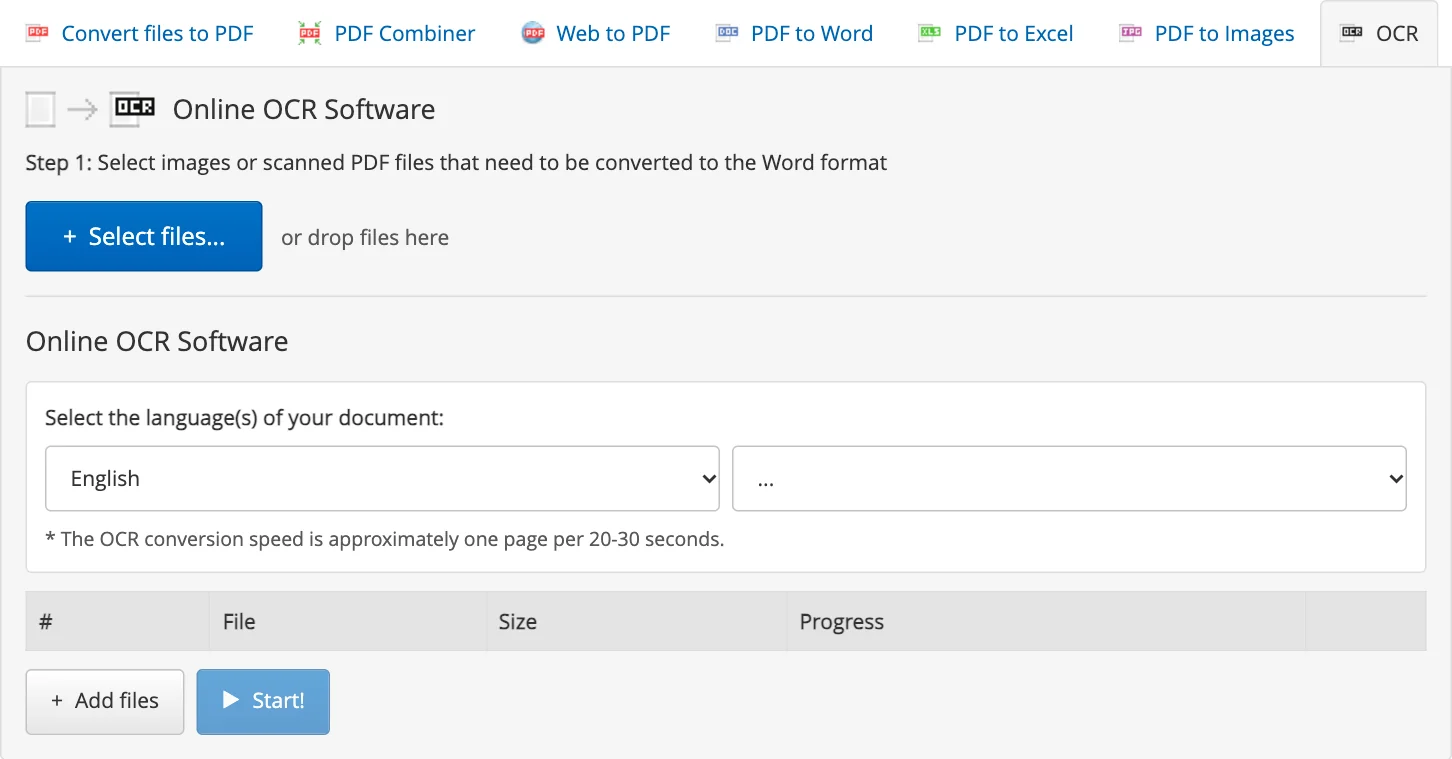
- Open OCR and press Select files..., or drop the files onto the converter. It takes scanned PDFs and JPG, PNG, TIFF, GIF and BMP images of up to 100 MB each.
- Choose the language of the document: English, French, German, Italian, Portuguese, Russian and Spanish. If the document mixes two languages, choose both.
- Press Start!. Recognition takes about 20-30 seconds per page.
- Press Download next to the Word (DOCX) document in your Inbox. It stays there for 6 hours.
The tables of the original become Word tables, so you can fix a number or add a row without retyping the page. When the document is edited, turn it back into a PDF with Word to PDF.
Tips for a clean result
- Scan at 300 dpi or more: a blurred or tiny scan gives wrong letters.
- Photograph a page straight on, in good light and in focus, without shadows of your hands or phone.
- Choose the right language: it decides which letters and words the recognition expects.
- Printed text is recognized well; handwriting is not recognized reliably.
- Read the result before you send it: OCR can mix up similar characters such as 0 and O, or 1 and l, especially in numbers.
Free version and Premium
No account is needed to try it: the free version recognizes up to 2 files at a time, and each result has the first 2 pages plus a trial page. Premium recognizes complete documents.
What happens to your files
Files travel over an encrypted HTTPS connection and are stored for up to 6 hours, then deleted automatically. Delete in the Inbox removes a file immediately. Details are in our Terms & Privacy Policy.